
Your day in Madrigal
The summary when you log out – what you achieved today and what everyone reached together.
When you log out or quit the game, a small window shows what you did today – and what all players of the server achieved together.
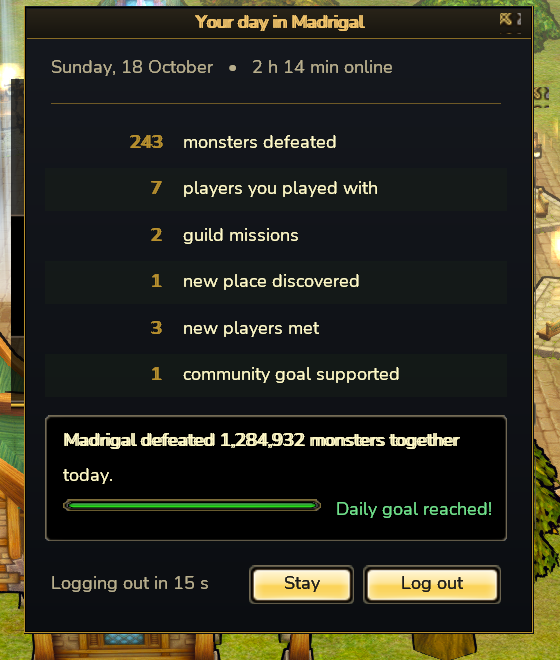
What is counted
| Line | What counts |
|---|---|
| Monsters defeated | every monster you or your party nearby defeat |
| Players you played with | different party members you were out with today |
| Guild missions | defeated guild quest bosses and taking part in Monster Clash |
| New places | areas or worlds you enter for the first time |
| New players | party partners you have never played with before |
| Community goals | the world’s daily goal and every world boss you took part in |
The numbers count up one after another. You always see the monsters line; every other line only appears when you achieved something there today.
Together for Madrigal
At the bottom, the window shows how many monsters all players together defeated today. If there is a daily goal, a bar shows the progress – all the way to “Daily goal reached!”.
Stay or go
A countdown shows when you will be logged out. Stay keeps you in the game, Log out leaves right away.
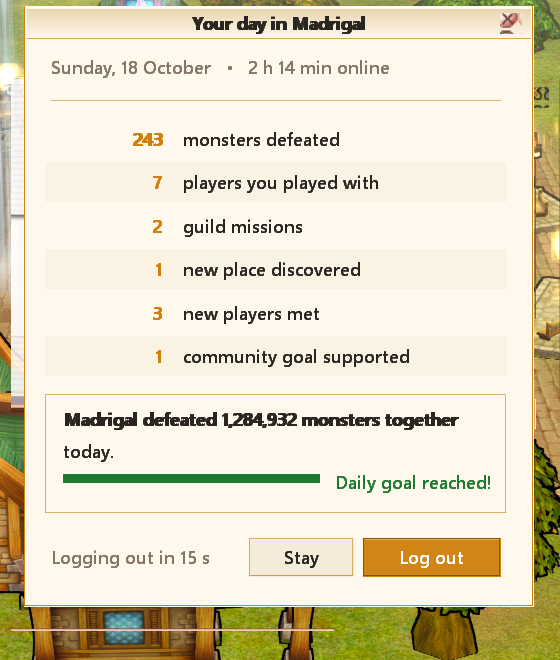
When a new day starts
The daily values are reset once a day. Places you have visited and players you have met stay with you.